How to Make Your First Deposit
The minimum deposit at 111jan is ৳350. Money credited via bKash, Nagad or Rocket typically arrives within 2 minutes. Here is what you do from start to finish.
Step 1 — Log In and Open the Cashier
Open the Cashier
Log in to your 111jan account, then tap the wallet icon or go to Account → Deposit. The cashier page lists all available payment methods.
Choose a Payment Method
Select bKash, Nagad, Rocket, Upay or Bank Transfer. The page will show the exact merchant number or bank account to send to — copy it carefully.
Send Money from Your Wallet App
Open your mobile wallet app. Use Send Money (not Pay Bill or Merchant) and paste the number shown on the cashier page. Enter your amount — minimum ৳350.
Enter the Transaction ID
After the transfer, your wallet shows a TrxID (Transaction ID). Go back to the 111jan cashier, paste the TrxID into the confirmation field and hit Submit.
Wait for Credit — Usually Under 2 Minutes
Most deposits credit in about 2 minutes. If it has not appeared after 10 minutes, open Live Chat with your TrxID and screenshot — support is available 24/7.
Common Deposit Failures and How to Fix Them
| What You See | Most Likely Cause | What to Do |
|---|---|---|
| Amount not credited after 15 min | TrxID submitted incorrectly or missing | Open Live Chat, share TrxID and wallet screenshot |
| "Transaction failed" in wallet app | Wallet balance too low or daily limit hit | Check your wallet balance; use a different method |
| Sent to wrong number | Copied an old or incorrect merchant number | Always copy the number fresh from the cashier page each time |
| Deposit below ৳350 | Entered an amount under the minimum | Top up your wallet and retry with at least ৳350 |
| Bank Transfer not showing | Bank transfers take longer than mobile wallets | Wait up to 2 hours; contact support if still pending |
111jan Payment Methods at a Glance
| Method | Min Deposit | Deposit Time | Min Withdrawal | Withdrawal Time |
|---|---|---|---|---|
| bKash | ৳350 | ~2 min | ৳1,000 | ~45 min |
| Nagad | ৳350 | ~2 min | ৳1,000 | ~45 min |
| Rocket | ৳350 | ~2 min | ৳1,000 | ~45 min |
| Upay | ৳350 | ~2 min | ৳1,000 | ~45 min |
| Bank Transfer | ৳350 | Up to 2 hr | ৳1,000 | ~45 min |
Maximum daily withdrawal is ৳120,000 at Copper level. VIP tiers unlock higher limits — see the VIP page for details.
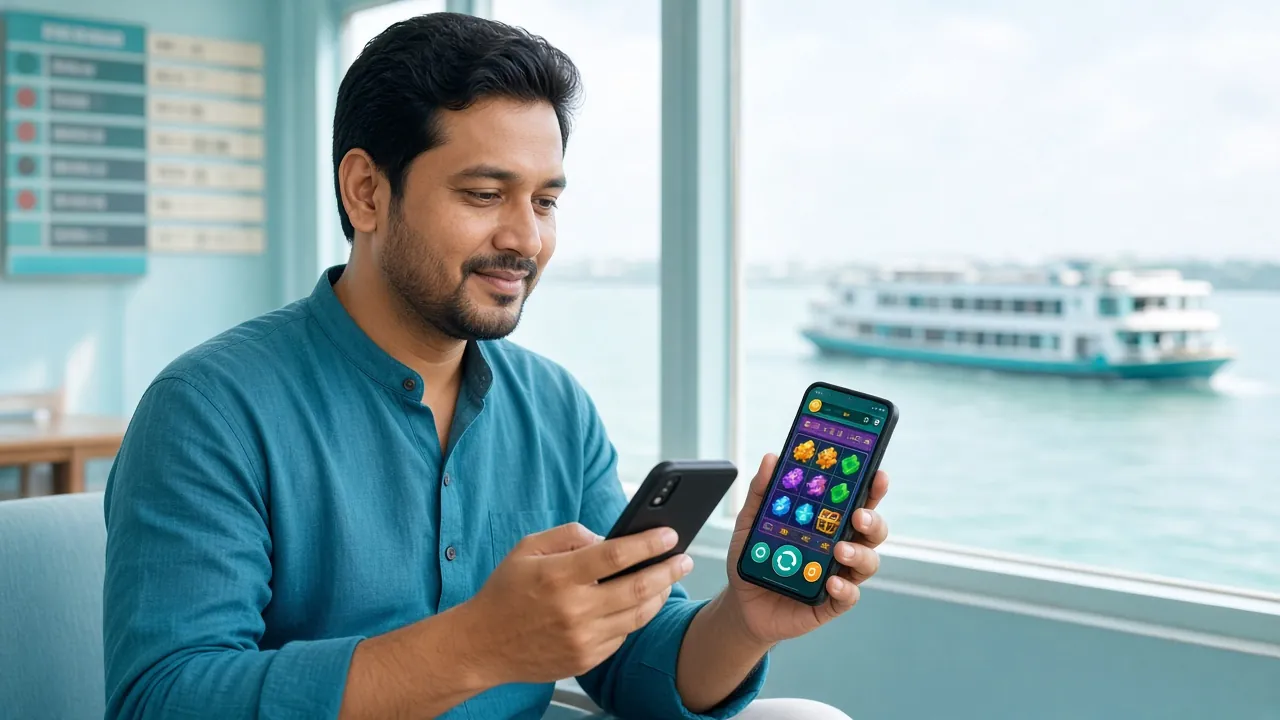
Which Mobile Wallet Fits Your Situation?
All four mobile wallets work smoothly with 111jan — the right choice depends on your habits and how you normally top up. Here is how they compare in everyday use.
bKash has the largest agent network in Bangladesh, which means it is easy to load cash almost anywhere — from corner shops to city ATMs. If you use a smartphone and do any kind of digital payment, you almost certainly already have a bKash account. It is the go-to option for most players, whether sending ৳350 or several thousand at once. Cash-in is available in every district, making it reliable even outside Dhaka or Chattogram.
Nagad is backed by Bangladesh Post Office and has strong reach in rural areas. Cash-in fees are often lower than bKash, so if you deposit frequently in smaller amounts — say ৳350–৳1,000 — you can save a bit on wallet loading costs. Nagad also processes Send Money instantly, so your 111jan deposit still arrives in around 2 minutes. A solid second choice if bKash is at its daily limit.
Rocket is Dutch-Bangla Bank's mobile wallet. It is a natural fit if you already bank with DBBL, since you can link your bank account directly and move larger amounts without visiting an agent. Useful when you want to deposit more than a typical mobile wallet top-up allows. Rocket's footprint is smaller than bKash in rural areas, but urban players with DBBL accounts will find it convenient for bigger sessions.
Upay is United Commercial Bank's digital wallet. If your salary or savings account is at UCB, Upay lets you transfer funds from your bank balance without converting to cash first. Transaction fees can be very low for UCB account holders. Upay works best as a secondary method — keep it ready for days when your primary wallet hits its send limit or you want a clean bank-linked transaction record for your finances.
Keep Your Wallet Safe While Depositing
Scammers sometimes target online casino players, pretending to be support staff or platform agents. These four habits protect your money every time you deposit.
-
Never share your PIN or OTP with anyone. 111jan support will never ask for your wallet PIN, OTP, or password — not in Live Chat, not by phone, not by SMS. Anyone who asks is a scammer. Hang up or close the chat immediately.
-
Only use the merchant number shown on the cashier page. Copy the number fresh each time you deposit — never reuse an old number from a screenshot or message. Merchant numbers can rotate for security. If you send to an outdated or unofficial number, the funds may not arrive and cannot be recovered.
-
Save your TrxID and take a screenshot immediately after every transfer. Your wallet app shows the Transaction ID on the success screen. Screenshot it before you close the app. If a deposit does not credit, this is the first thing support will ask for — without it, tracing the transaction takes much longer.
-
Ignore unsolicited calls or messages claiming to be from 111jan. The platform does not make outbound phone calls to players about deposits. If you receive a call or SMS saying your deposit is "stuck" and asking you to send money again or share account details, treat it as a fraud attempt. Contact official support through the website or app only.
Walking ৳1,000 Through the Full Cycle
This is a worked example using real 111jan numbers. Treat it as a planning tool — your actual results will vary based on the games you choose and how often you win.
Deposit ৳1,000 via bKash
You send ৳1,000 from your bKash app. The minimum is ৳350, but ৳1,000 is a round number that makes the bonus maths easy. The deposit arrives in roughly 2 minutes.
215% Welcome Bonus Applies
111jan adds 215% of your first deposit as bonus funds. On ৳1,000 that is ৳2,150 bonus. Your total playable balance becomes ৳3,150 (৳1,000 real + ৳2,150 bonus). The bonus cap is ৳18,500, so this deposit is well within range.
Complete the 22× Wagering Requirement
Wagering applies to the bonus amount: ৳2,150 × 22 = ৳47,300 total turnover. This is the amount you need to bet across eligible games before the bonus converts to withdrawable cash. Slots from providers like Pragmatic Play, CQ9 and Red Tiger are typically included. Example: betting ৳50 per spin across 946 spins.
Minimum Withdrawal Once Wagering Is Done
After completing the wagering requirement, the minimum you can withdraw is ৳1,000. If your balance at that point is ৳1,200, you can cash out the full amount. The first successful withdrawal usually processes in about 45 minutes (and within 1 hour for first-time withdrawals).
* This is a planning example only. Wagering does not guarantee a profit. Play responsibly. 18+ only.
How to Top Up Your 111jan Account in Five Steps
-
1
Log In and Open the Cashier
Sign in to your 111jan account, then tap the wallet icon or go to Account → Deposit. The cashier page lists every available payment method with the exact merchant number to send to.
-
2
Choose Your Payment Method
Pick bKash, Nagad, Rocket, Upay, or Bank Transfer. Copy the merchant number shown on screen carefully — one wrong digit will delay your deposit.
-
3
Send Money from Your Mobile Wallet
Open your wallet app and use Send Money (not Pay Bill or Merchant Payment). Paste the merchant number, then enter your amount — minimum ৳350.
-
4
Copy and Submit the Transaction ID
After the transfer completes, your wallet app shows a TrxID. Return to the 111jan cashier, paste the TrxID into the confirmation field, and press Submit.
-
5
Wait for the Credit to Appear
Funds typically arrive within 2 minutes. If nothing shows after 10 minutes, open Live Chat with your TrxID and a screenshot — support is online around the clock.
Payment Methods: Deposit and Withdrawal at a Glance
All five methods are available around the clock. Deposit arrives in about 2 minutes; withdrawals process within 45 minutes once approved.
-
bKash
-
Nagad
-
Rocket
-
Upay
-
Bank Transfer
Questions Players Ask Before Their First 111jan Deposit
What is the minimum I need to deposit to get the welcome bonus?
My deposit has not arrived after 10 minutes — what should I do?
Can I deposit using someone else's bKash number?
Is there a maximum I can deposit in one go?
Do I pay any fees when depositing?
How do I deposit faster when I am watching a cricket match live?
Ready to Make Your First Deposit?
Open a 111jan account in under 2 minutes, deposit from ৳350 with bKash or Nagad, and claim your 215% welcome bonus straight away.